Tech Tips and Help

-

How to export your Apple Photos library stored in iCloud
If you have thousands of photos in Apple Photos that are stored in iCloud, how do you export them if you want to move to another photo storage system? Export your Photos library. Here’s how.
-

Create a family OneNote notebook that everyone can share
OneNote is a handy way to store notes, checklists, and bits of information you want to remember. Here’s how to create a family OneNote notebook that everyone can access. Share your notes!
-

Share photos from iCloud with anyone using an iPhone or Mac
When you want to show photos you have saved to iCloud using an iPhone or Apple Mac, create an iCloud link that anyone can use. Share iCloud photo links with anyone. No account is needed.
-

Use this Microsoft To Do shortcut to set task due dates
Microsoft To Do is a great app for creating lists and to-do tasks. If you need to set a due date for a task, there is a quick way to do it that saves you time and effort. Get to know it.
-

Build good habits with free and nearly free iPhone apps
Improve your life by encouraging good habits and discouraging bad habits. Many phone apps can help with this, but some are expensive. These four apps for the iPhone are cheap or even free.
-

Is Microsoft Paint the best AI image generator for artwork?
Do you use an AI image generator? What software do you use? I bet you don’t use Microsoft Paint! Yes, this nearly 30-year-old Windows tool can now generate AI images! Just say what you want!
-

Remove, blur, replace backgrounds in Windows Photos app
New features in the Windows Photos app enable you to blur photo backgrounds, remove them, or replace them. Could this be your go-to tool for manipulating photo backgrounds? Here’s how it works.
-

Erase unwanted objects from photos with Windows Photos AI tool
Windows Photos has gained tools you may not be aware of if you have not used the app recently. It is worth a fresh look. Here’s how to use the object removal tool to erase items from photos.
-

Hide ads and unwanted web junk with Chrome reading mode panel
Some websites fill their pages with far too many ads and web junk. One of the best ways to avoid unwanted content and get to the text of articles is to use Chrome reading mode. Here’s how.
-

Use shortcuts to settings on an Android phone for fast access
If you use the Settings app a lot on your Android phone, there is a way to access common settings faster. Save time. Learn how to use this little known method of accessing phone settings.
-
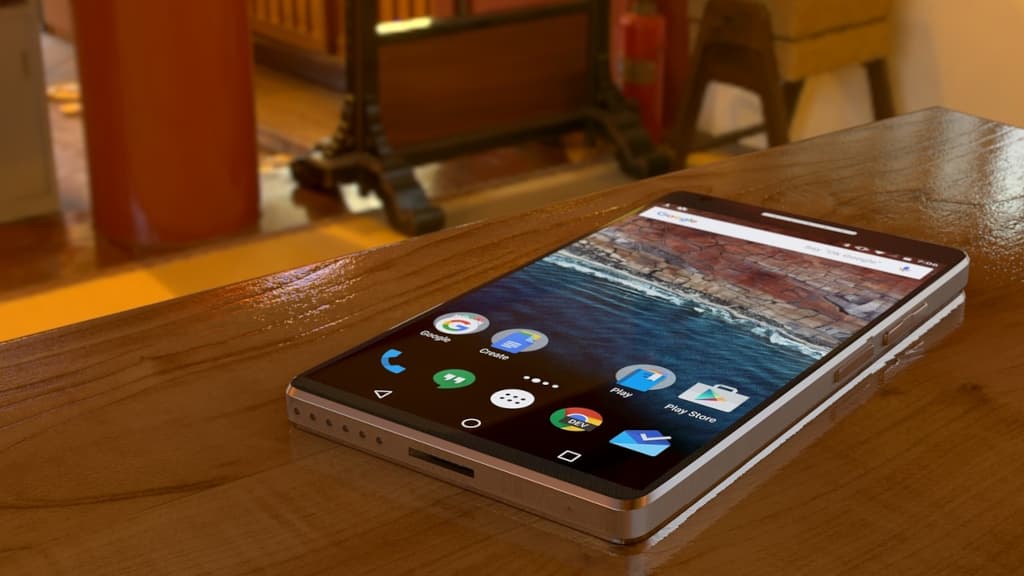
Create an app wishlist on your Android phone and manage it
If you see an interesting app for your Android phone, you don’t need to install it right now. Add it to a wishlist and install it later. Here’s how to add apps, install them, remove them.
-

How to share passwords with co-workers or family on the Mac
Create a group of people on your Apple Mac and share passwords with them. It is useful for work teams accessing shared resources or simply for your family. Choose which passwords to share.
 RAWinfopages