Category: Mac
Articles, tips and help for Apple Macs, macOS and software.
-
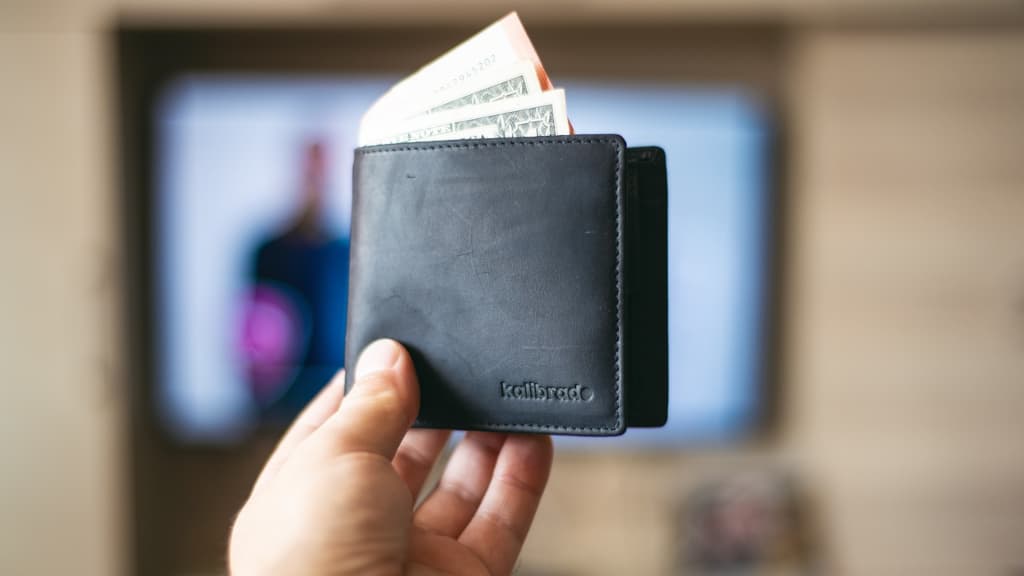
Use Microsoft Wallet in Edge browser to manage money and more
Did you know that you can manage payments, passwords and rewards, and track orders with Wallet in Microsoft Edge Wallet? This feature is hidden in the browser’s settings, and it’s useful.
-

Use the built in markup editor to highlight images on OneDrive
Are you using a special utility to mark up images stored on OneDrive? Why not use OneDrive’s built in markup editor in a browser to do it? This little known feature could be all you need.
-

How good are your photos? Get an AI report in Apple Photos
The Apple Photos app secretly analyzes the quality of your photos using AI. View a report and see what it thinks about your photography skills on the Apple Mac using a free macOS app.
-

Stop malware, phishing, bad websites, with CleanBrowsing DNS
Do the DNS servers you usewith the internet protect you from malware, phishing and bad websites? It can, if you switch to an alternative DNS provider like CleanBrowsing. Here’s how to use it.
-

Turn websites into Mac apps – Safari vs Chrome vs Edge
Chrome and Edge on the Apple Mac have long had an advantage over Safari. They could turn websites into Mac apps that run on the desktop. Now Safari can do it. Which browser does it best?
-

3 Grammarly alternatives to check spelling and grammar
It is easy to make typing slips. A grammar and spelling checker highlights errors and suggests improvements to make your writing better. Here are two services that are free and great to use.
-

Limit access to Calendar with new macOS Sonoma permissions
Apple is big on privacy these days, and new features in macOS Sonoma give you more detailed control over access to information in your calendars. Here’s how to limit third party app access.
-
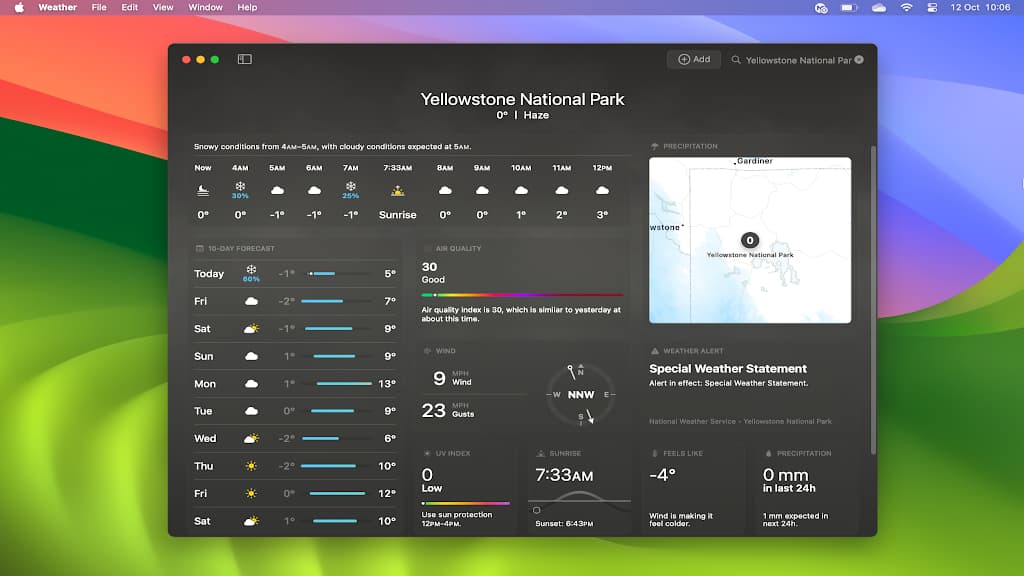
See historical temperatures and rainfall in Mac Weather app
The Weather app on the Apple Mac shows more than the current weather and forecast, it shows historical weather data, like the average rainfall or temperature for an area, month and year.
-
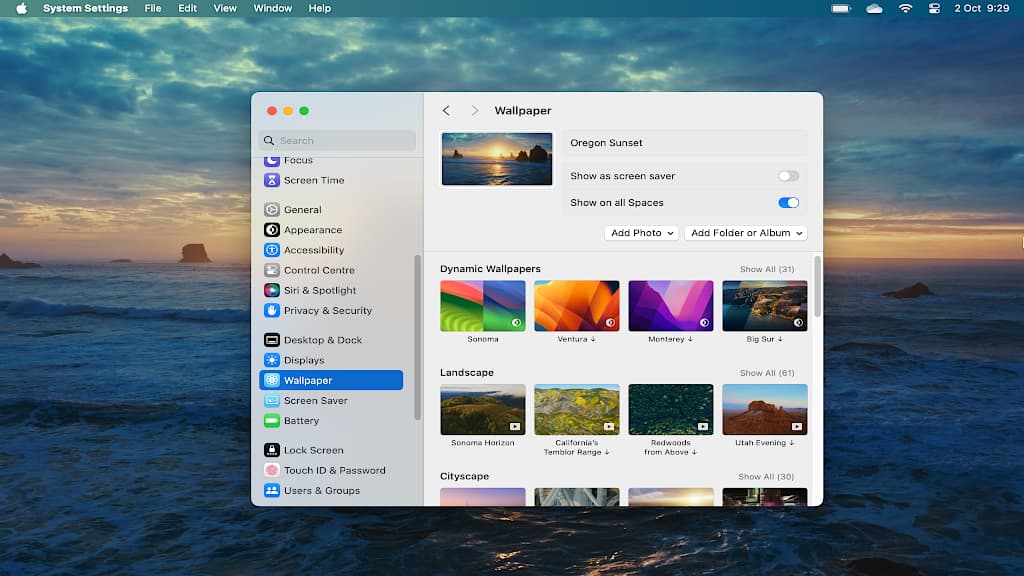
How to recover space used by macOS Sonoma video wallpapers
Many video screensavers and wallpapers are available in macOS Sonoma. However, if you download them all, they’ll use 45 GB of disk space. How do you manage them? How do you recover the space?
-
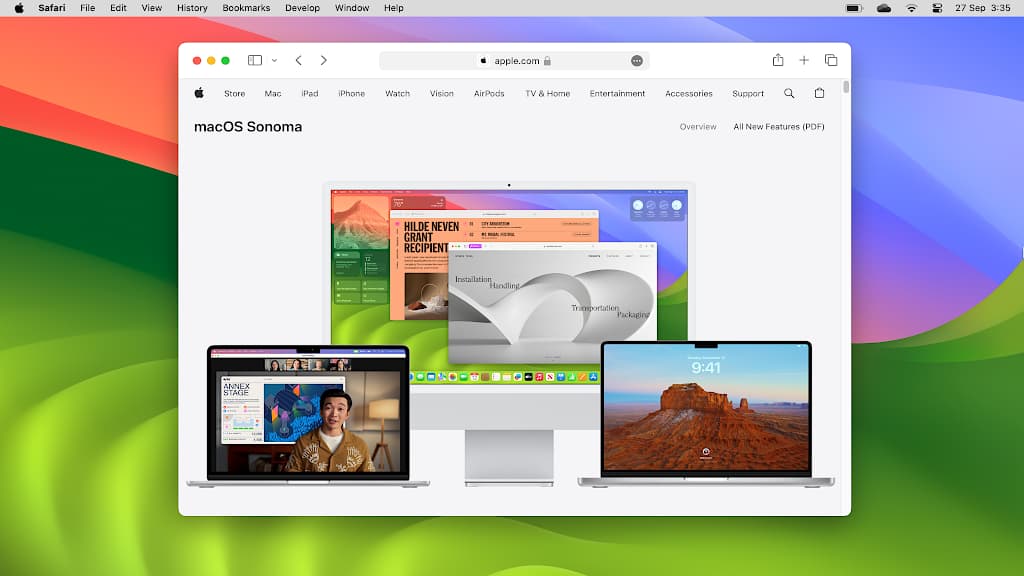
How to access advanced features in Safari using flags
Browsers are under constant development and Apple’s Safari is no exception. If you want to try new features before anyone else, enable them in Safari flags. These turn new and advanced features on/off.
-

Customize Outlook event notifications on the Apple Mac
Choose between two different styles of notifications for Microsoft Outlook on the Apple Mac and make sure you never miss another event. Customize Outlook to work the way you want it to.
-

Increase security with Bitwarden and keep passwords safe
Bitwarden is a popular password manager and considering the private information it holds, you should do everything you can to make it as secure as possible. Make these changes and secure it.
 RAWinfopages