Tech Tips and Help

-

How to copy text from images with Snipping Tool in Windows
Windows Snipping Tool has gained new capabilities and the most interesting of these is the ability to copy text from images. This is very useful and text recognition is built into the app.
-

Add a Safari reading list widget to your iPhone home screen
Create a reading list of web articles you can read later, make them available offline so you don’t need mobile data, and show them as a widget in the iPhone home screen. Here’s how to do it.
-
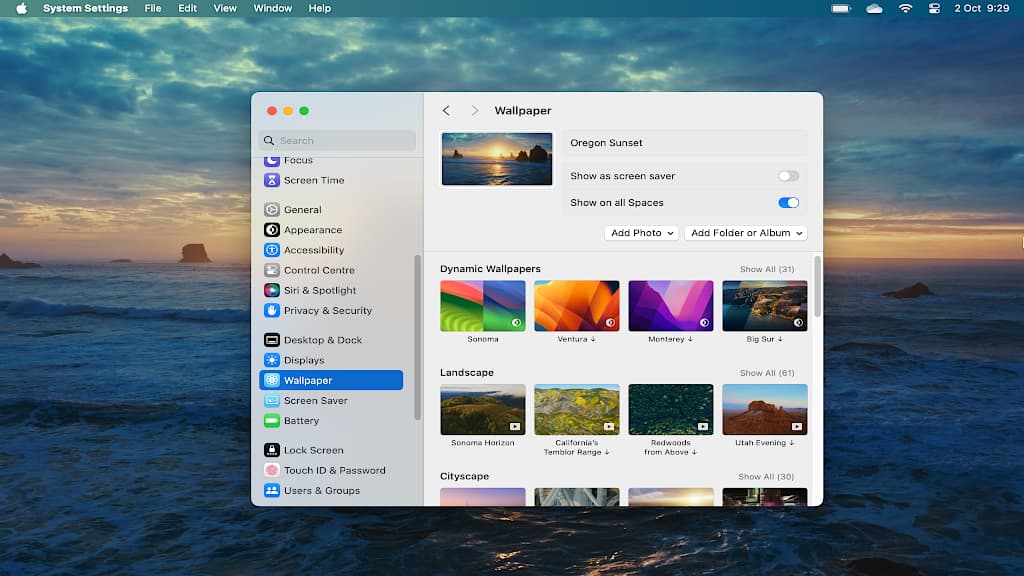
How to recover space used by macOS Sonoma video wallpapers
Many video screensavers and wallpapers are available in macOS Sonoma. However, if you download them all, they’ll use 45 GB of disk space. How do you manage them? How do you recover the space?
-

Add a great Android widget to keep you up to date with events
If you have an Android phone and use Google apps, there is a useful widget you should add to your phone home screen. Get notifications of events, weather and status. Here’s how to add it.
-
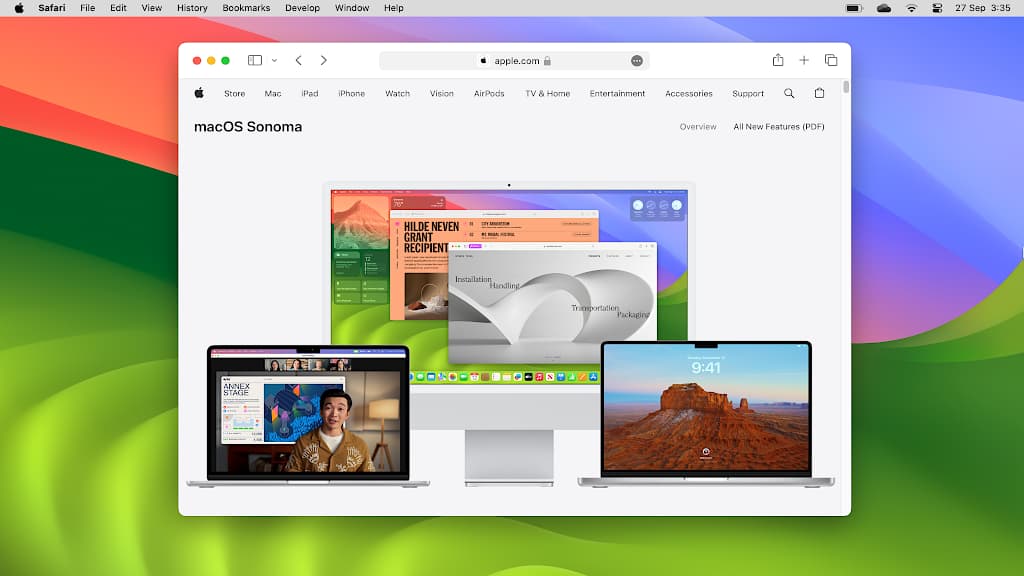
How to access advanced features in Safari using flags
Browsers are under constant development and Apple’s Safari is no exception. If you want to try new features before anyone else, enable them in Safari flags. These turn new and advanced features on/off.
-
Customize Outlook event notifications on the Apple Mac
Choose between two different styles of notifications for Microsoft Outlook on the Apple Mac and make sure you never miss another event. Customize Outlook to work the way you want it to.
-

Increase security with Bitwarden and keep passwords safe
Bitwarden is a popular password manager and considering the private information it holds, you should do everything you can to make it as secure as possible. Make these changes and secure it.
-

Browse the web faster on your phone by preloading pages
Web browsing on a phone always seems slow, despite the progression From 3G to 4G and now 5G. What can you do to speed it up? Enable page preloading in Chrome to fetch pages before you need them.
-

How to browse the web securely with Microsoft Edge VPN
Privacy and security on the internet are a big deal these days and Microsoft aims to help by including a free VPN in its web browser. It has unusual features and is unlike other VPNs.
-

Delete old Apple devices from your Apple account when unused
New iPhones, new Apple Watches, new Macs are here every year, but what about your old devices? Have you removed them from your account? Here is how to do it. Clean up your devices list.
-

How to disable link previews in Outlook mail on the web
Type or paste a URL in an Outlook email and a link preview appears. Is it useful or just an irritation? Whatever your preference, you can enable or disable it. Here’s how link previews work.
-

3 alternatives to Microsoft Office web apps that are free
Microsoft provides web versions of Word, Excel, PowerPoint and other Office apps. The are useful tools, but are there alternatives? Yes, there are great ones. Here I take a look at some of them.
 RAWinfopages