Tag: android
Articles relating to Android phones, tablets, and apps.
-

Use this Microsoft To Do shortcut to set task due dates
Microsoft To Do is a great app for creating lists and to-do tasks. If you need to set a due date for a task, there is a quick way to do it that saves you time and effort. Get to know it.
-

Use shortcuts to settings on an Android phone for fast access
If you use the Settings app a lot on your Android phone, there is a way to access common settings faster. Save time. Learn how to use this little known method of accessing phone settings.
-
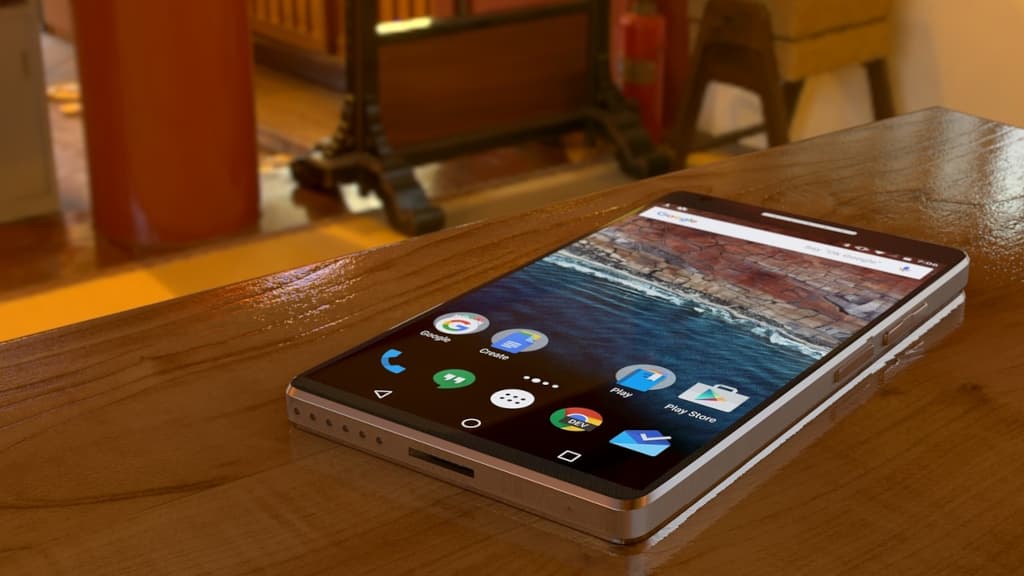
Create an app wishlist on your Android phone and manage it
If you see an interesting app for your Android phone, you don’t need to install it right now. Add it to a wishlist and install it later. Here’s how to add apps, install them, remove them.
-
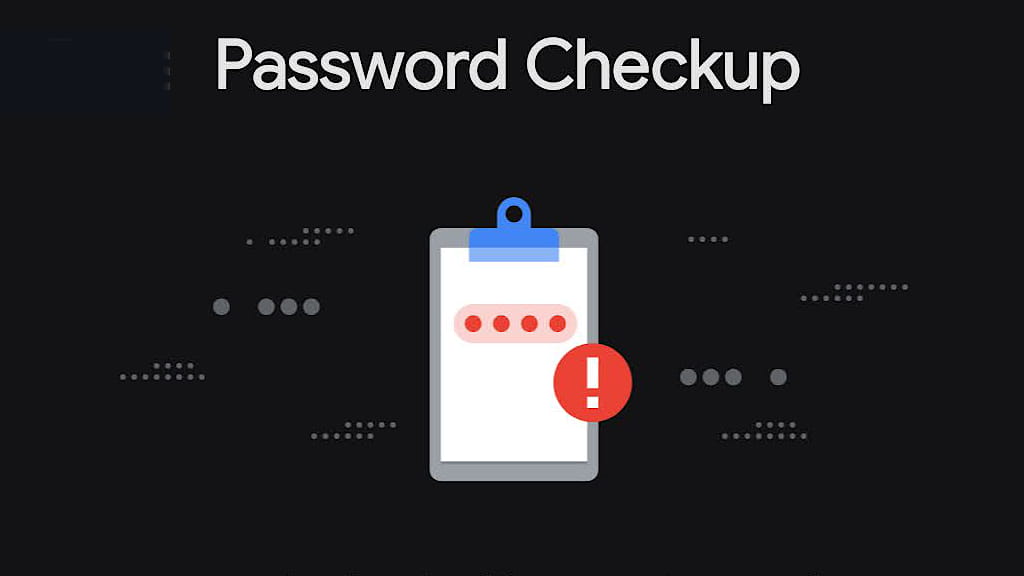
Check security with Password Checkup in Chrome on a phone
Are your computer and phone passwords good, poor, or have they been leaked in hacks on the internet? If you have Chrome browser on an Android phone or iPhone, get a report and find out.
-

Create movies from photos in Google Photos on your phone
If you are a Google Photos user on your phone, you will have seen the video slide shows it makes from photos. Why wait for the next? Create your own movies from photographs on your phone.
-

How to free up space on your phone that Chrome is wasting
If your Android phone is getting short of storage space, check Chrome’s usage. It may be using gigabytes of storage that you can easily recover. Here is a quick guide to freeing up space.
-

How Stop Bing Chat AI speaking out loud on your phone
Bing Chat is an AI powered search and chat that can produce anything from poetry to pictures. However, it speaks its answers out loud on a phone, which is annoying. How do you stop it?
-

Add a great Android widget to keep you up to date with events
If you have an Android phone and use Google apps, there is a useful widget you should add to your phone home screen. Get notifications of events, weather and status. Here’s how to add it.
-

Browse the web faster on your phone by preloading pages
Web browsing on a phone always seems slow, despite the progression From 3G to 4G and now 5G. What can you do to speed it up? Enable page preloading in Chrome to fetch pages before you need them.
-

Is your phone getting hot? Here’s why and the solutions
Does your phone get hot? What is causing it and what is the solution? There are several causes and there are easy ways to avoid the problem to a certain extent. Stop damaging your phone.
-

Why Microsoft Edge is the best browser for mobile phones
Which browser do you use on your Android phone? Chrome is the most popular by far, but is it really the best? If you have not tried Edge, you’re missing out on a great mobile browser for the web.
-

Reset TikTok algorithm, filter unwanted videos and more
TikTok is so frustrating at times. If you are seeing videos in your feed that you do not want, reset the algorithm for a clean start and filter unwanted videos. Make TikTok great again.
 RAWinfopages